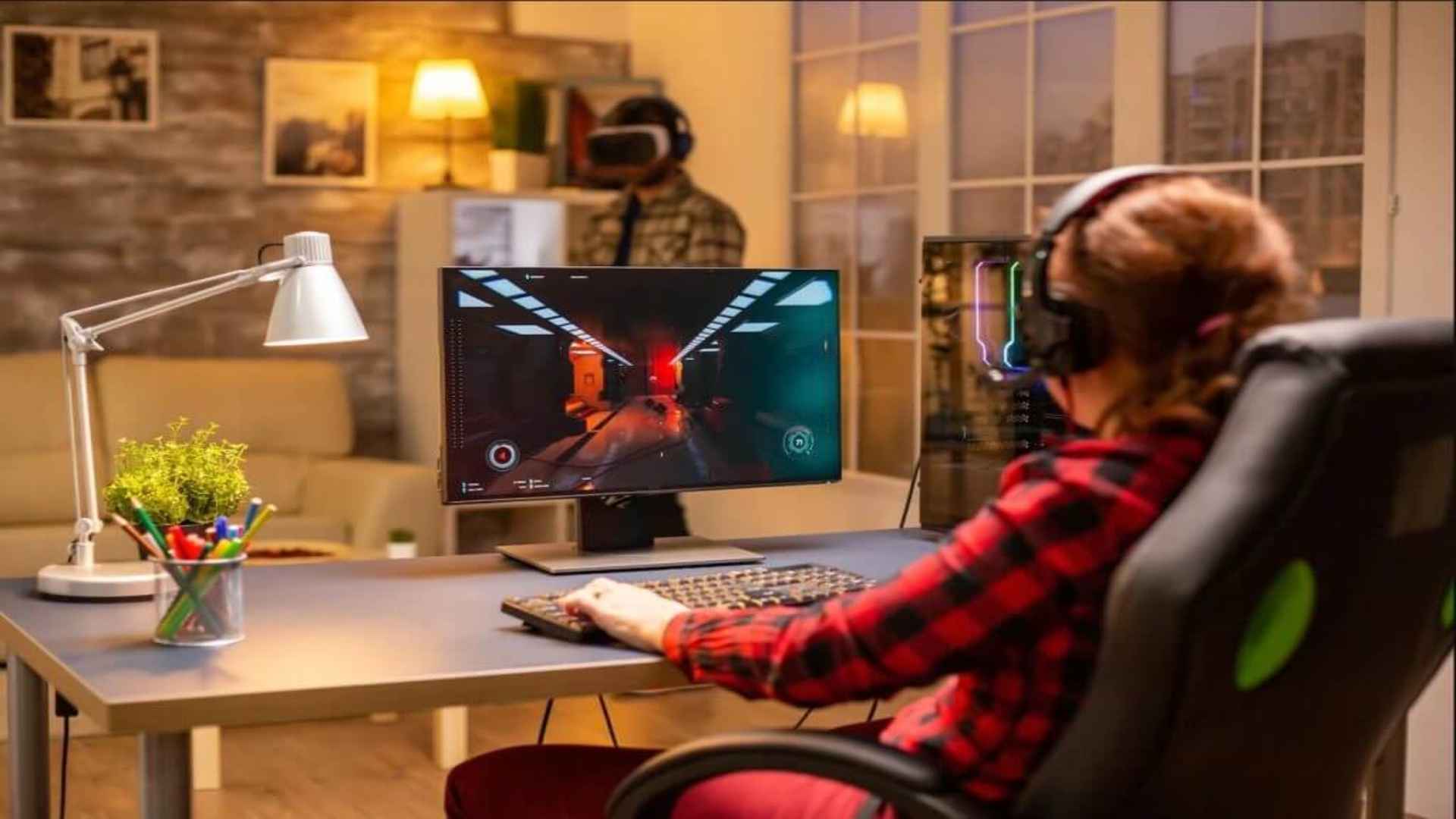
Combining a large television screen with a dedicated computer workstation is becoming an increasingly popular trend among modern gamers. Integrating a television mount above or behind your desktop surfaces creates a versatile, space-saving layout for gaming and media consumption. By thoughtfully arranging your display equipment and desk accessories, you can achieve an ergonomic setup tailored for both high-intensity gaming and relaxing entertainment.
Maximizing Vertical Space with Wall and Desk Mounts
Mounting a TV directly above your primary PC monitor allows you to utilize unused vertical wall space efficiently. Articulating wall arms enable you to tilt the upper screen downward, ensuring comfortable viewing angles from both your desk chair and distant seating. Alternatively, heavy-duty desk clamps equipped with tall poles offer a drill-free mounting solution suitable for rented apartments.
Using height-adjustable arms ensures that your primary monitor remains at eye level to reduce neck strain during extended work hours. The secondary TV positioned above serves as an ideal display for live streams, system monitoring tools, or casual video playback. Proper distance planning ensures that large screen sizes remain comfortable to view without causing eye fatigue.
Selecting the Right TV Size and Desk Dimensions
Selecting display proportions that complement your desk size is vital for keeping your gaming station balanced and functional. A desk with a depth of at least 30 inches provides necessary separation between your eyes and larger television screens. Televisions ranging from 42 to 55 inches generally offer the ideal proportions when mounted directly above standard desktop monitors.
Overly large screens can overwhelm your immediate field of view and create top-heavy visual weight in smaller rooms. Balancing the width of your desk surface with the overall display layout maintains physical stability and clean lines. Careful measurement before installation prevents awkward viewing angles and ensures proper clearance for desktop speakers.
Managing Cables for a Seamless Aesthetic
Integrating multiple monitors and larger displays into a single workspace significantly increases the quantity of power and display cables. Running cords through in-wall raceways or cable management sleeves conceals unsightly wires behind your television display. Under-desk trays keep power bricks, surge protectors, and video switchers organized and off the floor.
Securing loose wires along mount arms prevents cable tension when adjusting display angles or height settings. Using color-matched cable covers allows your setup to maintain a minimal, clutter-free appearance against your room walls. Good cable routing also improves overall airflow and makes future hardware upgrades significantly easier.
Optimizing Ergonomics and Viewing Distances
Positioning your display gear correctly protects your posture and enhances overall viewing comfort during long gaming sessions. The top edge of your main desktop monitor should rest near eye level, while the mounted TV should tilt downward toward your seating position. Adjusting your seating height and tilt angles prevents unnatural neck extension when looking at upper screens.
Incorporating ambient backlight strips behind mounted screens reduces stark contrast between bright displays and dark room walls. Dimmable LED lighting helps lower eye strain while creating an immersive environment for console gaming. Taking periodic breaks and fine-tuning display brightness settings keeps your gaming space comfortable throughout the day.